Top Technology Concerns for Business in 2025

As we get into 2025, Ideal’s Marketing and Partner Manager, Julia (Jules) Elliot has reviewed a wide range of vendor and industry research, so you don’t have to. Where do the industry experts think we’re headed?

I must confess I love a deep-dive work frenzy, so looking into the predictions from leading IT vendors, distributors, IT researchers and publications is right up my street.

My take is that there are three main themes that emerge:

  • AI
  • Cyber Security
  • Sustainability

1. AI

That AI is top of the list won’t surprise anyone. It’s everywhere you look, including Downing Street, where the PM launched a whole new Government investment stream just a week or so ago.

This year, the experts predict that Agentic AI (AI that can make decisions, take actions, and learn from experience), AI adoption and implementation will go beyond hype into action, with organisations of all sizes using AI tools, integrating AI processes and developing AI-powered products to boost returns and efficiency.

This all has massive ramifications for IT infrastructure and security (see point 2 below). To take advantage of opportunities, data needs to be AI-ready and reliably available via networks in an instant. Infrastructure like switches and data centres may need to be upgraded to cope with more traffic at faster speeds. Hybrid cloud models may be needed to facilitate and manage all of this.

At the same time, organisations will have to face the ethical issues around AI, developing policies, establishing trust networks, adhering to Governance and reshaping leadership in security operations.

2.

Cybersecurity

According to Gartner, Cybersecurity spending is expected to top $212 Billion in 2025, an increase of 15.1% over 2024.

Again, AI is a significant driver in this space, partly within the technology, but also as a growing existential threat.

To quote Cyber Magazine: “AI emerges as a double-edged sword in this evolving landscape, simultaneously offering powerful defensive capabilities and presenting new vectors for potential attacks. Gen AI technologies are enabling threat actors to craft more convincing phishing attempts, create sophisticated social engineering campaigns, and develop autonomous malware that can adapt and evolve without human intervention.”

Using AI to enable security while managing risk is a huge positive, particularly in a Zero-Trust security stance, where speeding up decisions on device and content threats and learning from those decisions is key to safe accessibility.

The downside is the use of AI within an organisation can present new threats. For example, by using a large language model, an employee may inadvertently share commercially sensitive information or data that may compromise the organisation; AI products and processes developed in-house may have unforeseen vulnerabilities.

All of this leads to the conclusion that in 2025, more and more organisations will seek to integrate network and security operations via Secure Access Service Edge (SASE) Solutions.

Combining networking and security as a function in a cloud delivered service, the SASE architectural model enables organisations to securely connect users, devices and SaaS applications, wherever the location.

The concept of SASE is a journey, and each journey and starting point is unique. The prediction is that more and more organisations will start this journey in 2025, with the goal of managing cybersecurity at the perimeter to minimise risks from AI, as well as threats like the exploitation of IoT devices as an access point, Supply Chain attacks, sophisticated ransomware, social engineering and phishing attacks.

3.

Sustainability

And the Netherlands-sized elephant in the room?

In its vision statement for 2025, Cisco predicts that the amount of energy used by data centres dedicated to AI is expected to match the amount consumed by a country the size of the Netherlands in one year.

A year ago, Sustainability was at – or near – the top of most Corporate agendas. With a marked change in geo-political outlooks, Board Rooms and IT road maps seem to be prioritising growth and the bottom line for 2025, but Sustainability hasn’t gone away.

As a company that delivers Smart Building and Stadia networks partly driven by a sustainability agenda, we know that clients are committed to sustainability, especially when intertwined with energy and resource saving which contributes to the bottom line as well.

Overall, it seems likely that 2025 will be a year where AI innovation throws up some hard discussions with CSR heads.

Watch this space.

5 tips for your Smart Office transition

Whether you are an in existing office or moving as a building owner or tenant, transitioning to a ‘Smart Office’ could improve your employee experience and save you money. So how do you go about it?

A Smart Office is one where data provides the basis for decision-making, which in turn can enhance the working lives of your employees, customers and suppliers, whilst saving money and boosting sustainability performance.

A Smart Office is one where data provides the basis for decision-making, which in turn can enhance the working lives of your employees, customers and suppliers, whilst saving money and boosting sustainability performance.

That’s a lot of benefits, but how you get there can feel a little overwhelming.

It doesn’t have to. As the Smart Building network specialist behind some of the smartest buildings in Europe,* we have a very clear idea of how you can start the transformation towards your Smart Office.

5 top tips to ensure success in your Smart Office transformation

1. Bring in multiple stakeholders. When Facilities, Estates and IT teams work together, common goals can be fulfilled by combining skill sets. Facilities and Estates teams are likely to be responsible for the day-to-day management of Operational Technology & IoT, but successful implementation won’t be possible without IT integration.

2. If you are a tenant in a building, integration with your Building Management System (BMS) is possible. Often a tenant can have more influence than expected. Most new/recently modernised shell and core networks provide great end user/tenant integration capabilities.

3. Look at how the ‘office of the future’ expands past the physical walls. There should be a seamless transition between in-office, at-home and remote working.  Addressing security and application accessibility initially will lay the foundations for this seamless transition.

4. Ensure you have a future-proof core network and security infrastructure. There is an abundance of workplace technologies, sustainability platforms and hybrid working initiatives that can be adopted on a journey to Smart. Without an ever dependable, easy to manage, next generational network with the relevant security applications and policies from the get-go, any improvements can be impossible to successfully implement.

5. Build a true partnership between yourselves and the technology/product partners you will rely on. Work with experts who have experience in similar projects and have a history of testing implementations before ‘go live’. This will avoid problems further down the line and stop the common post-project disaster of ‘untangling the lights on the Christmas tree’.

*Ideal network installations include 150 Holborn, Battersea Power Station, Coop Live Arena. We have also supported numerous tenanted organisations in their journey to Smart Offices in the finance, insurance, retail and distribution sectors.

The 3 pillars of a Smart Office 

‘Smart Office’ is a phrase we hear frequently in the retrofit building market. But what exactly is a Smart Office, and most importantly, what could it deliver for you?

Making your office a magnet not a mandate

Let’s start with the benefits. It’s important to think of a Smart Office beyond the physical walls. In these days of hybrid working, digital apps and multiple communication channels, your ‘office’ needs to be wherever your employees, customers and suppliers need it to be.

Get that right, and you’ll find all of your stakeholders much more closely aligned, more engaged and more united.

In the words of Chuck Robbins, Chair and CEO @Cisco “The office needs to be a magnet, not a mandate.

The 3 pillars that will drive transition

If you are aiming to evolve your workplace towards a Smart Office there are three main pillars you will need to consider.

1. Technological convergence
2. User experience
3. Sustainability and cost-savings

All of them are inter-linked. Whichever one you prioritise will often bring the other two with them.

1. Technological convergence

Historically, IT teams and Facilities teams have always worked in silo, with different responsibilities and different skillsets. That’s changing!

To maximise your Smart Office capability, you want to connect your IT with the Operational Technology (OT) and the Internet of Things (IoT) – and in some cases the corporate network too. The need for a united team bringing their distinct capabilities has never been more important.

By achieving technological convergence, you make it possible for technologies to work together to create a better physical and digital environment. For example the number of people in the building can dictate how many lifts you run or whether you open a full canteen service. You can automatically supply fresh air before each new meeting begins.

At the same time of course, security is paramount. Whilst creating a more converged technology solution, you need to take a smarter approach to protect the proliferation of your digital access points. That could be CCTV cameras; it could be new meeting room apps accessed through the Cloud; it could be employees accessing files from a Starbucks.

2. User experience

We hear Customer Experience or CX talked about in relation to the physical workspace or building. It is also something that is synonymous with the hybrid work debate and how to tempt staff back into your collaborative physical workspace.

You want to create a better experience for your employees; an experience that will help with talent management and retention. Providing an attractive workplace can help recruit and retain employees.

You also need to think about your clients /customers and suppliers. By creating a great client experience, you might just be securing that next purchase order and ensuring client retention.

The ‘Smarts’ can help with all of this. From check-in at a building reception with a QR code, to a seamless log-on to guest Wi-Fi , the autonomous use of meeting rooms, a Smart Office can improve CX at every access point.

3. Sustainability and costs savings

We know that environmental sustainability is top of mind for many organisations. For some this is driven by mandatory reporting requirements and could be top down. For many it is also driven from social obligation and employee and customer pressure. Your people believe in the importance of environmental sustainability in the workplace, as do many customers.

The right move towards more sustainable operations can also save you money. Your offices and production buildings may play a significant role in your energy consumption and will be a key factor when setting net zero goals.

Using data from smart technology to monitor your office performance and give you insights that you can use to plan change for the future is key. Whether that data is collected from a single sensor or by using a full Smart Building Control System feeding from a Converged Network System (CNS), it’s a vital step in understanding how your office works and where enhancement opportunities may lie.


As one of the leading network technology companies behind some of the smartest buildings in Europe*, we’re always happy to discuss strategies. Why not get in touch.

*Ideal network installations include 150 Holborn, Battersea Power Station, Coop Live Arena. We have also supported numerous tenanted organisations in their journey to Smart Offices in the finance, insurance, retail and distribution sectors.

Wi-Fi Troubleshooting – What’s the Fix?

What to look for when your Corporate Wi-Fi is underperforming

When you hear your office workers complaining that their Wi-Fi is better at home, you know you have a problem. And if they’re using it as an excuse to stay at home when the CEO is trying to get people back to the office, it can become a real hot potato.

So what are the biggest issues that IT people face with Corporate Wi-Fi? And what could be the underlying causes?

We polled Corporate IT people to ask what their biggest concern is. And we put the findings to one of our leading technical experts, Chris Dlugokecki. These are his insights into what the causes might be, based on his vast experience across numerous office, retail, higher education, manufacturing and distribution sites.

What are the biggest Wi-Fi issues?

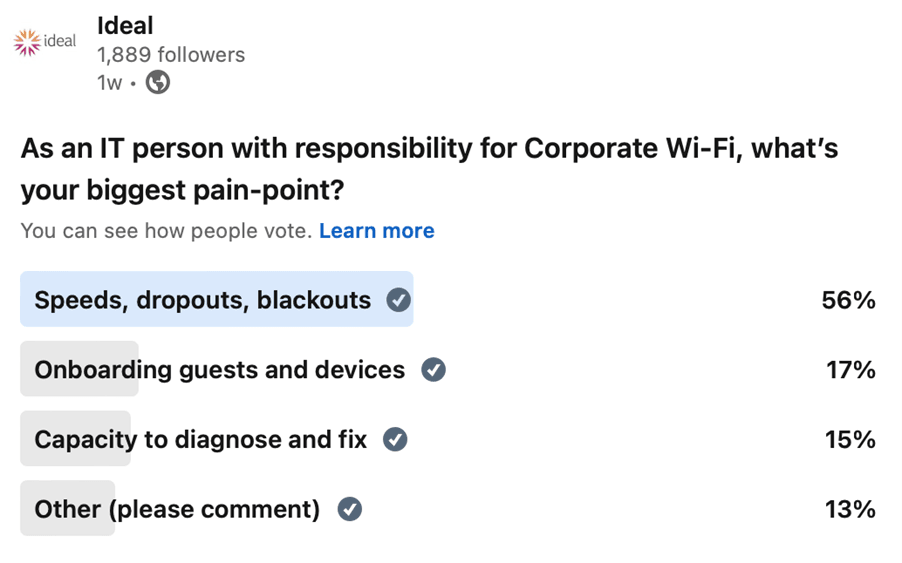
Our poll on LinkedIn, July 2024, identified your key concerns:

So what’s going on here? And what can you do to fix it? Over to Chris.

Speeds, dropouts and blackouts

“These are probably the biggest challenge because A) they are immediately obvious to users, but B) they can be hard for IT managers to monitor, quantify, isolate and fix.

Let’s take them one by one.

Speed

When people say the Wi-Fi is slow, what they actually mean is that their experience on a specific device is slow. And that may have nothing to do with the Wi-Fi itself.

What you need to understand is how Wi-Fi works.

Wi-Fi is like a walky-talky – in the majority of cases, it only handles one conversation at a time. So if the person next to you is using a slow device or there are sub-standard devices on the network, it’s like being stuck behind an old banger on a country road. You might be in a Ferrari, but you can’t use your speed until the Morris Minor in front has pulled off.

Wi-Fi is also inherently resilient. Each device will try to connect at the highest speed first. If that doesn’t work it will try again at a slower speed. So depending on the environment, a user may end up with a slow speed connection, even the Wi-Fit itself is “capable” of delivering ten times more. Retries like this cause delays, and can be noticeable to users.

Basic speed tests can be misleading

What doesn’t help is that a typical IT web-based speed test measures wireless speed and internet speed together. When Wi-Fi is really slow, there’s a strong probability the wired infrastructure and internet line may be to blame.

There are commands on laptops you can run to see what MCS index a device is broadcasting at, ie the speed you are getting to and from a specific Access Point (AP). Beware, these can be misleading. To increase accuracy we can carry out iPERF testing, using a specialist tool to provide active measurements of the maximum achievable bandwidth on any IP network. What we find is that 90% of the time, the client is not capable of the top speeds possible of the AP, the wired network is the bottleneck or congestion on the RF is to blame.

Configuration is key

Whether you have a single office, multiple floors or numerous sites, the key to great Wi-Fi is configuration. And that is highly complicated.

When configuring a controller, the possibilities are endless; but just because there is the option to do something, doesn’t mean that it will help you. When looking at SSID’s some people treat it like a game show: “You get an SSID! You get an SSID! You all get an SSID!!!”

The industry recommends a maximum of 3 SSID’s broadcast in any location, so fine tuning of Wireless LAN configuration is needed to ensure you get what you need, where you need it.

On the RF side, one massive problem is the default ‘Best’ option you’ll find in some RF configuration settings. Many IT people may leave this expecting the AP to take care of settings itself. Although it will use algorithms to calculate the ‘best’ setting, it isn’t perfect – normally far from it. This actually results in uneven wireless networks that may hinder rather than help create a smooth network. Wireless networks that are left to the default settings tend to be those with the most issues.

My advice? Never use the Best button. Get an expert in who understands how to tune for the space, loads and specific usage that is important to you.

Dropouts

Dropouts are typically a result of wireless interference, poor signal / configuration or over utilisation of the airwaves, where there is simply too much demand.

Delays in roaming or reauthentication

What’s going on? Every time you want to respond, even if you’re already on a video or voice call, you effectively join the Wi-Fi queue. We’re back to that road scenario. Imagine you are trying to pull out on a busy road. You might get lucky as you approach the junction and be able to pull out or “talk” straight away. But you might get to that junction and there be a car in your way. You have to wait, hoping that a gap will appear. Here the car is actually another user communicating on the network.

It is possible to prioritise video and voice in settings, but once again there’s always an element of being limited by others already talking, regardless of if they’re your clients or not.

What’s the solution? Typically, we need to look at the RF network and physical environment first and understand what’s causing the problem before we try to solve it. Solutions may be just configuration tweaks; on the rare occasion, it might be that adding another AP will split the load, but this should not be the go-to solution for these kinds of challenges.

Load balancing and hard-roam issues

Another common problem in Corporate Wi-Fi networks is ‘aggressive roaming.’

Your Wi-Fi network may respond to high loads by trying to push users to a less congested AP. Some clients (ie devices) don’t like this behaviour from the infrastructure, and it can end with the client being disconnected without a new candidate AP in place leading to what we call a ‘hard-roam’, where a device is caught unaware between two APs and therefore drops out.

And it doesn’t have to just be in high-density usage. I was once asked to look at a media compound before a major event, where just a few users were having Teams calls dropping out. The reason was that the AP was set-up for automatic client balancing and with just a few devices it was constantly throwing them from one AP to another. The solution there was to turn off automatic client balancing in network settings and allow each device to decide itself. It is important to note that the client (or device) is always the one making the decision about what AP to join.

In another, example we had two related organisations broadcasting the same SSID on from two sides of a road, causing a kind of ping pong effect and eventual drop out for people caught in between. The solution? Rename the networks or preferably combine them into one super-network with technologies such as VXLAN.

In another, example we had two related organisations broadcasting the same SSID on from two sides of a road, causing a kind of ping pong effect and eventual drop out for people caught in between. The solution? Rename the networks or preferably combine them into one super-network with technologies such as VXLAN.

Blackouts and blackspots

A blackout describes loss of connection. A blackspot describes poor coverage in a specific physical area. Both can be down to poor network design, compromised connectivity, interference or changes in the physical space.

There are generally four things on my mind when investigating blackouts and blackspots

1. The APs, their positioning and configuration

Firstly, we’ll check the positioning of your Access Points and that they are installed as per the manufacturer guidelines. Think of a Wi-Fi AP like a light bulb. If there’s an obstruction, you won’t get a “light” or signal behind it.

Architects love to hide relatively ugly APs out of sight, behind ceiling panels or in unobtrusive corners, which affects performance. They may have been positioned perfectly to begin with and then obscured by a retrofit A/C unit.

I’ve seen APs hung vertically on a wall like a clock, which is great for the people on the floors above and below or in a staircase but not good for the workers in your office. I’ve even met contractors who have installed APs without realising they need to be connected to an antenna.

Depending on the issue, we may also investigate the hardware/software itself, ensuring it is not being affected by a bug; it may turn out that poor configuration is causing the issue you are experiencing.

2. Changes to the physical space

If you are suffering with temporary dropouts, it might be due to changes in the space, day-by-day.

For example, an AP near a rack in a warehouse will work perfectly until the rack space is filled up with stock. We had a problem in a loading bay that was affecting vital real-time stock systems; that was caused by lorries temporarily blocking sight lines while they were waiting to unload in illegal parking spots.

3. Interference

Some wireless network designers think that the more APs you install the better the Wi-Fi, but this won’t necessarily be the case. If the overlap is too great you can end up with a greater ‘traffic jam’ and the load bearing issues described above.

And outside interference can also play a part. I worked with a customer 10 miles from a busy private airport and they were constantly battling dropouts. I discovered that on certain days, their Wi-Fi was overlapping with the airport radar; protocol demands that Wi-Fi has to immediately change channels when this happens. Why only on certain days? Because there was a lake nearby and it only bounced the airport radar signal off the surface on low cloud days.

4. The wired connection

Unlikely though it may be, physical connections do sometime get damaged or compromised. For example, the twisted pair in a network cable may have been chewed by rodents, leaving power unaffected but damaging data. Building works, weather ingress, seemingly unrelated maintenance in places like lift shafts can all effect network integrity.

Onboarding guests

Guests are always a fun one. And there are many conflicting arguments over the best way to onboard them.

The balance is always between a nice smooth experience for your guests versus the need for the highest possible security, the need to hold data about who is on your network and to secure written compliance with lawful usage and company policies.

The strategic thinking is that you want to know who owned the device that compromised your network. The counter-argument is that if someone wants to compromise your network, they won’t sign in with bona fide credentials.

To manage this, some corporates and public service use ‘splash portals’, collecting information about each user and requiring them to accept terms and conditions before access is granted. This may meet Infosec demands to meet your Acceptable User Policy (AUP), removing liability for your organisation – but there are downsides. As many of you will know, these pages can be slow, cumbersome and poorly designed, creating a pretty unwelcoming welcome experience.

To get round this, some organisations use a pre-shared Key (PSK) across the guest network , so users just get a password and away they go. That can be a much better immediate experience for the user, but it can be hard to tell who is connected to your network.

What’s the solution?

One solution is to work on the user-experience of the splash page. We’re currently working with one of the UK’s biggest landlords to redesign their splash pages to collect the data and permissions they need in a much better visual environment with a much smoother journey.

Another solution, coming to a network near you very soon, will be Open Roaming authentication.

With Open Roaming, anyone joining your guest network is federated by other credential authorities. If someone is logged into Samsung or Apple for example, you can decide to trust that authentication and let them straight in.

But (there’s always a but isn’t there?) this solution hasn’t been publicised to the general public, so people aren’t aware of it. It also needs support, as well as third party integrations, and it comes with a small cost to be part of the eco-system.

A note about iOS 18 devices – coming soon

The latest Mac operating system, iOS 18, currently in Beta, is reportedly going to use revolving MAC addresses. Every couple of hours it changes the device’s MAC address to keep the user identity more secure. Open Roaming will be able to handle this. Other authentication systems are going to need a rethink!

Onboarding devices

As offices and buildings get smarter, more and more devices, like aircon, CCTV, displays, lifts and access sensors are being connected to the network.

It’s amazing how many people connect permanent devices to Wi-Fi when they could be hard-wired and off the Wi-Fi network . The basic principle we adhere to in Smart Building converged network systems (CNS) is: if it doesn’t move, use a wired network.

In the corporate setting, some administrators want to implement pre-shared key networks (like the ones you see at home). Whilst these allow quick access to the network, the key is very easy to share and harder to contain, control or change.

Unfortunately, what makes it worse is that the rotation of passwords just doesn’t happen. To reform a well know phrase… “A preshared key ends up being for life, not just for Christmas”.

Here at Ideal, we will always recommend a Network Access Control (NAC) based solution for corporate access. Here each user/device will have their own credentials, meaning that the leaking of credentials can be more easily identified and stopped without compromising everyone else’s access.

Generally, Internet of Things (IoT) devices don’t support complex authentication so networks still need to use MAC Authentication Bypass (MAB) to onboard them. Even worse is that they sometimes go ‘silent’, only talking when spoken to. We don’t recommend ever using MAB over wireless; it’s not secure and will create a vulnerability in your network.

Capacity to diagnose and fix

If you are having problems with diagnosing and fixing problems on your Corporate Wi-Fi network, please be assured, you are not alone.

Most IT departments are juggling a wide range of responsibilities and Wi-Fi networks are hugely complex to configure, diagnose and fix. So, when your Finance Director tells you poor Wi-Fi signal affected a vital video call with America at 5.30pm last Tuesday, it can be really difficult to isolate data and understand what exactly was going on at that point in time.

Some people deliberately choose network providers that have a simpler front end; others are bolting on AI tools that translate data into more human real text. Even then, interpreting results and understating what needs to change is a bit of black art. A great tool we’ve seen in action are wireless sensors, able to probe and connect to the wireless and wired network to give you the ability to analyse how users see the wireless network on the ground, therefore being proactive rather than reactive to challenges.

Taking a holistic approach

When we are invited in to troubleshoot Wi-Fi issues, I would say the rough split is 30% configuration, 30% RF network, 30% user devices and 10% unique to the physicality of the building or the business demands of the organisation.

Of course, we have the best diagnostic tools combined with years of experience across all kinds of customers and devices that enables us to shortcut a lot of these deliberations and get straight to the pain point – so you could call Ideal…“

Celebrating 10 years with codebar

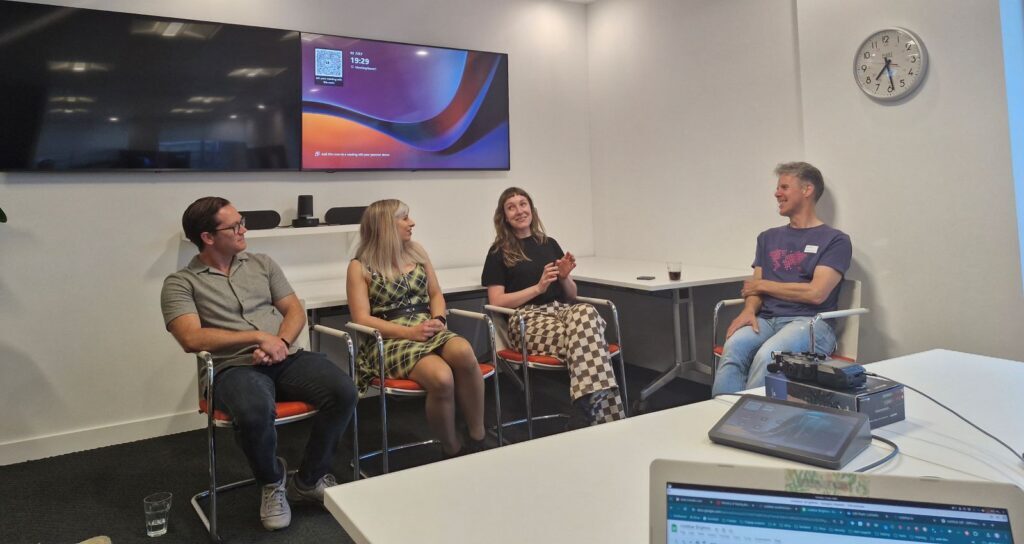
Way back in July 2014, codebar, the charity that runs free programming workshops for minority groups in tech, asked us to host their very first event in Brighton.

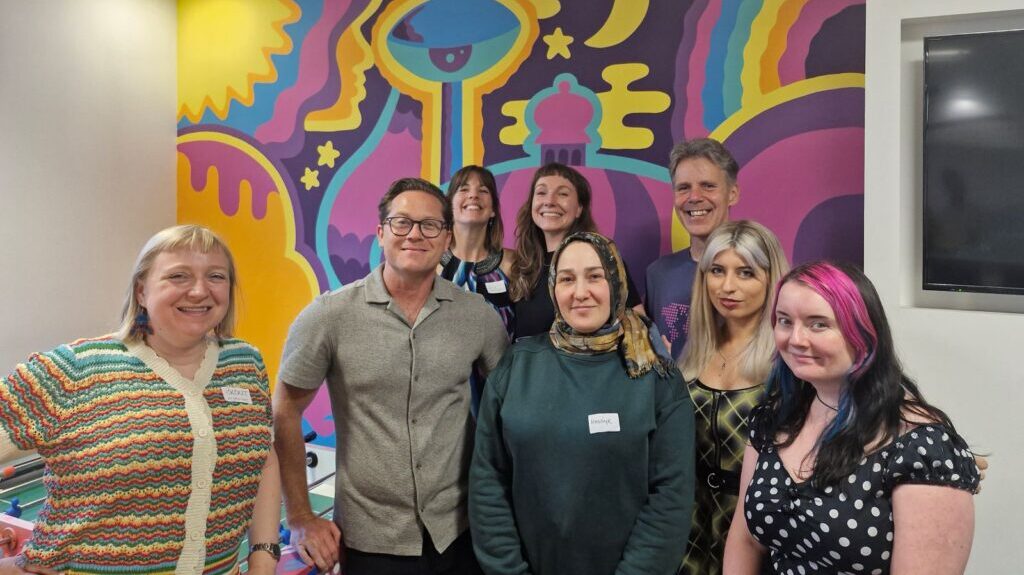
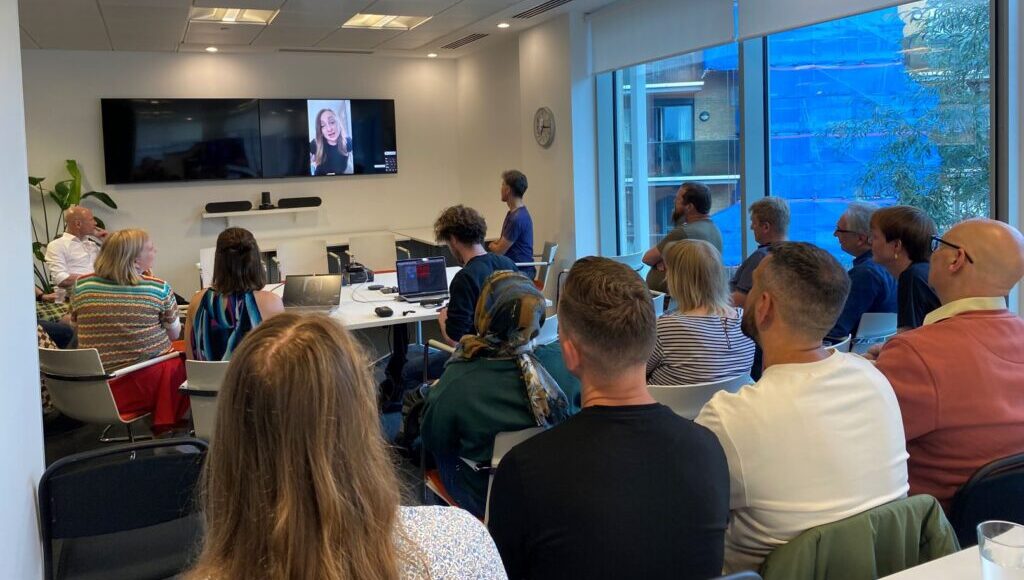
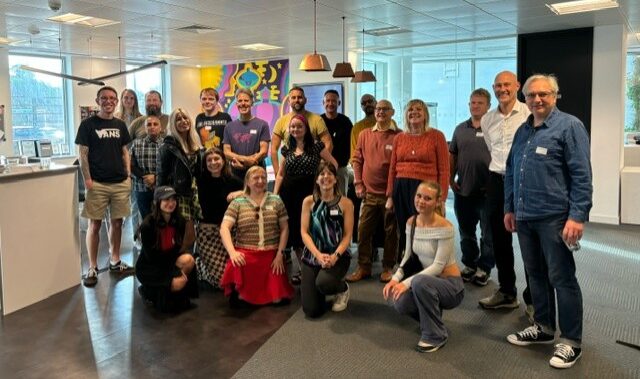
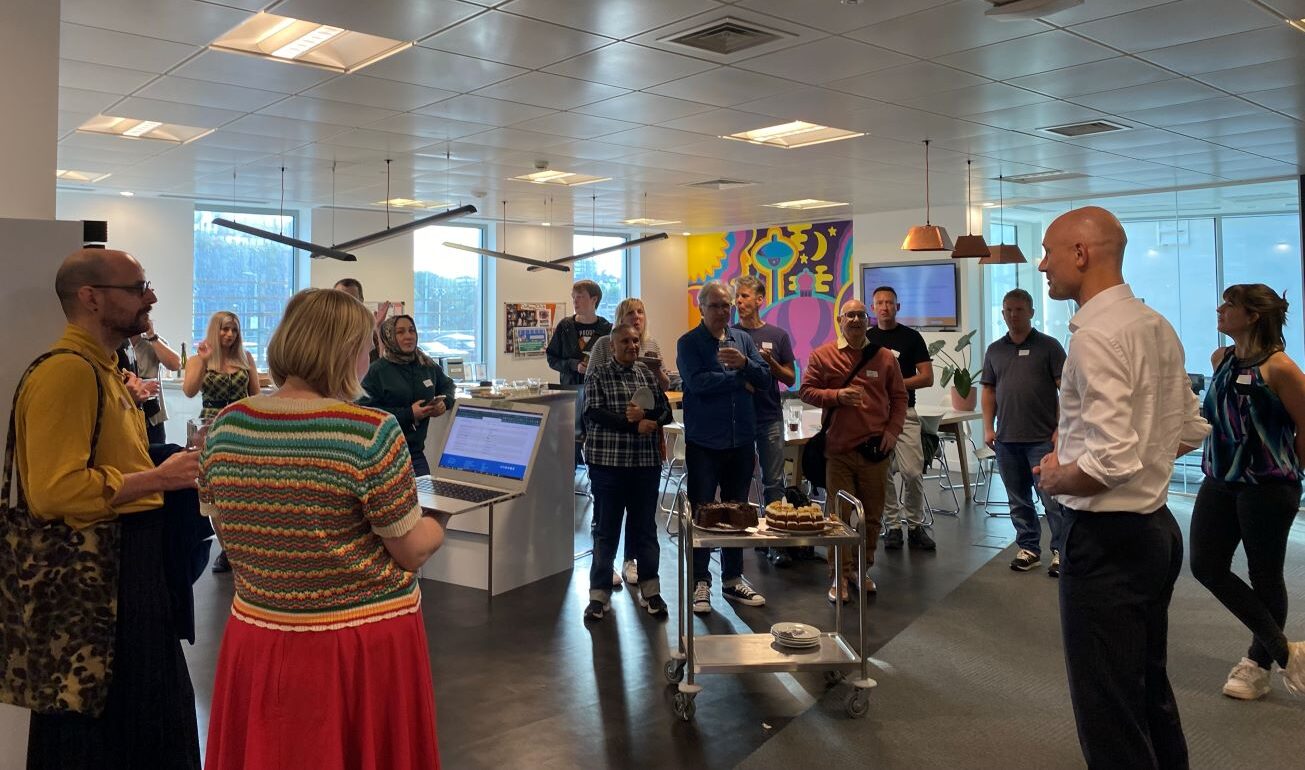
10 years on, with codebar now an international charity supporting over 18,000 students from minority groups in 33 chapters worldwide, codebar came back to Ideal to celebrate their 10th birthday with a night of coding, networking, pizza and fun.

It was great to hear stories from the Brighton founding members of how they first set the Brighton branch up and  to see the success stories first-hand – 50% of the attendees had gone on to find employment in coding from the experience and knowledge they had gained from the workshops. Others were just starting out on their coding journey.

Why do we need codebar?

Whilst diversity and inclusion has undoubtedly got better over the last decade, it’s still a huge issue in our sector. A 2022 survey revealed that ethnic minorities make up only 15.2% of the tech labour market in the UK, while women are just slightly above that at 25.5%.*

How does codebar make a difference?

The codebar model encourages experienced coders from the industry to become coaches, mentoring and support people from minority backgrounds to help bridge this gap and change lives. Sponsors, like Ideal, provide free office space, food and drink where it all happens.

The goal is to enable students to learn programming in a safe and collaborative environment, making technology and coding more accessible and giving students the opportunity to expand their career opportunities.

And it works. In the 10 years since Ideal hosted that first Brighton meeting, codebar has facilitated over 2,000 workshops throughout Europe and the USA and in Asia and Africa.

Coaches deliver fun, accessible tutorials in HTML/CSS, JavaScript, Ruby, Python or Git and help students to understand commercial programming concepts. Workshops cover different levels, from an introduction to basic coding to supportive training for people who want to become full-time developers.

Coaches driving growth as well as change

Kimberley Cook, Director of codebar, explains that codebar’s phenomenal success is being driven by people from within the industry: “codebar’s growth is 100% organic. Each chapter has been started by someone in that location saying they want to make a difference. It’s a huge testament to the amazing community and the demand for change in the tech industry.”

Remarkably, codebar now has over 6,000 coaches worldwide, voluntarily giving up their time, energy and knowledge to encourage diversity and inclusion in the tech world.

A great fit with Ideal

Right from its inception, Ideal has always focused on its place in the community. When the founders originally approached Mo, Ideal CEO  he thought it was a great idea. Mo says: “I remember that first event well. We had 17 students and 10 coaches and there was a real buzz about the evening. Last night, 10 years on, there was a similar feeling.

“I remember thinking back in 2014, what a great format this was, but I never imagined it would be this successful! Happy birthday codebar!”

If you would like to become a Sponsor, hosting an event like this, or you would like to be an organiser or a coach and share your skills, contact codebar today.

*Tech Nation — Diversity and inclusion in UK tech (2022)

Welcoming Smart People to Smart Building: 150 Holborn

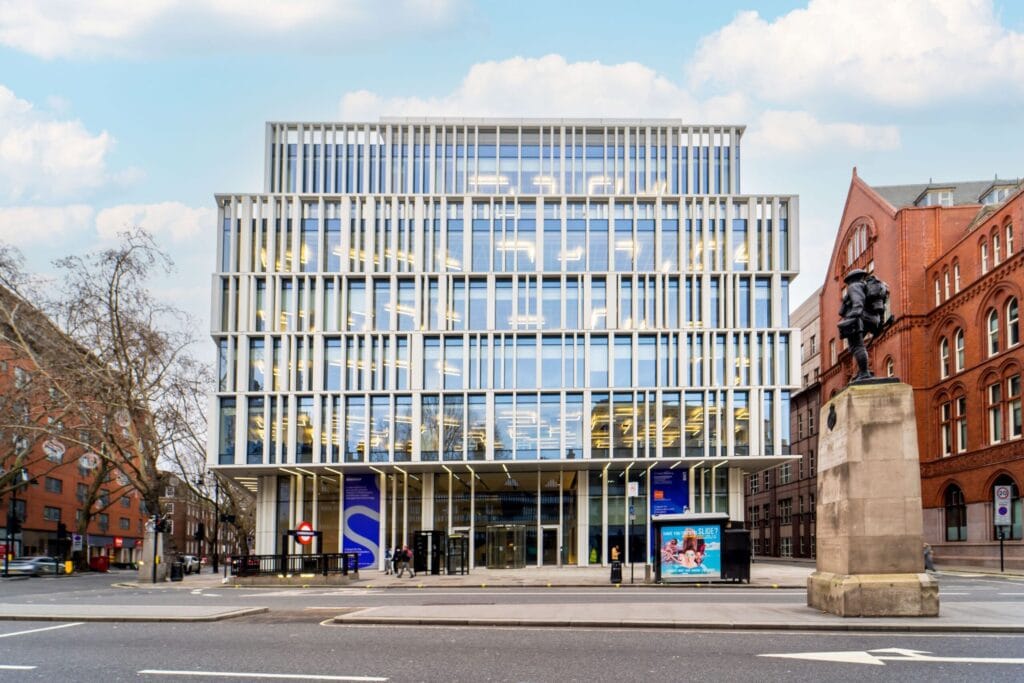
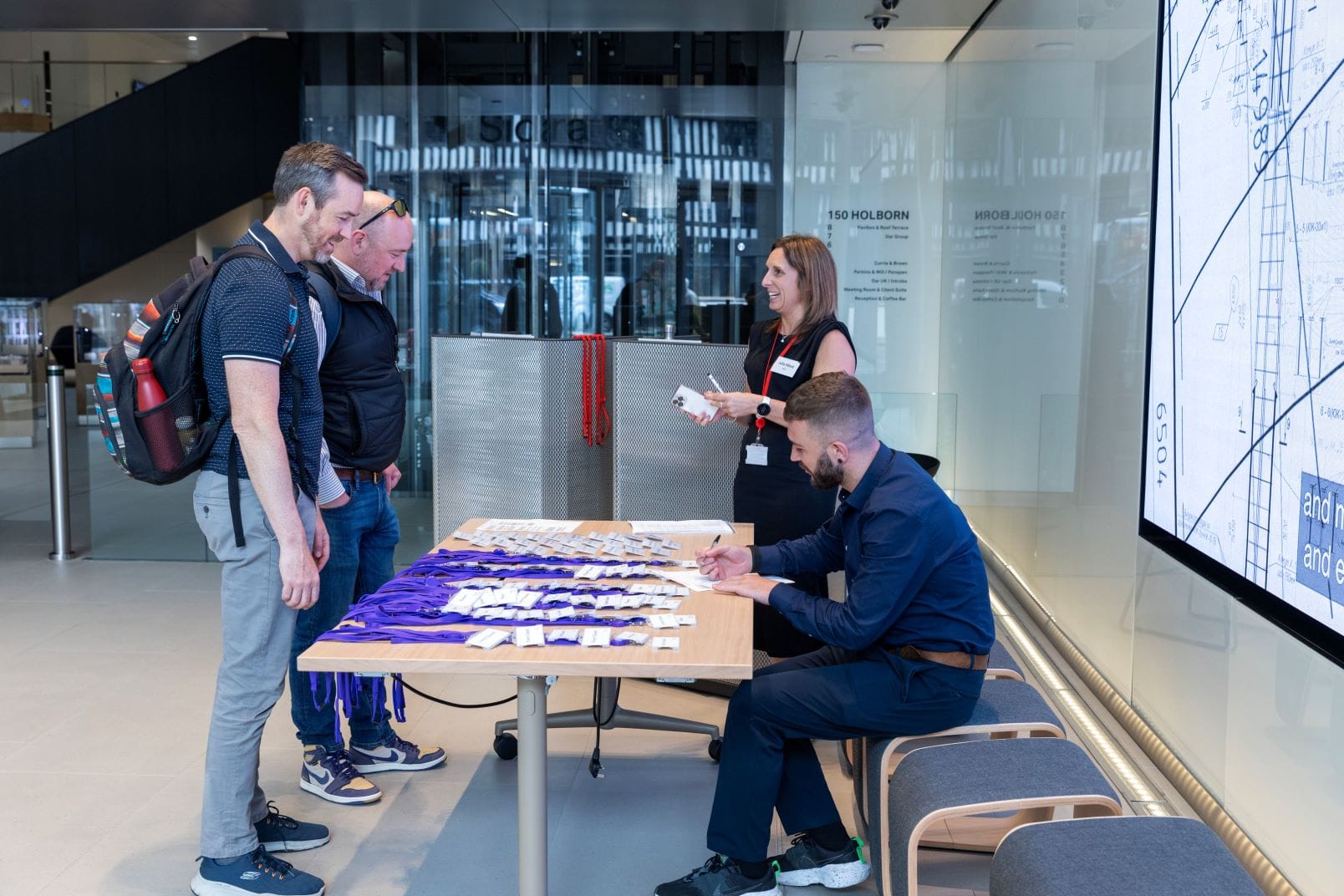
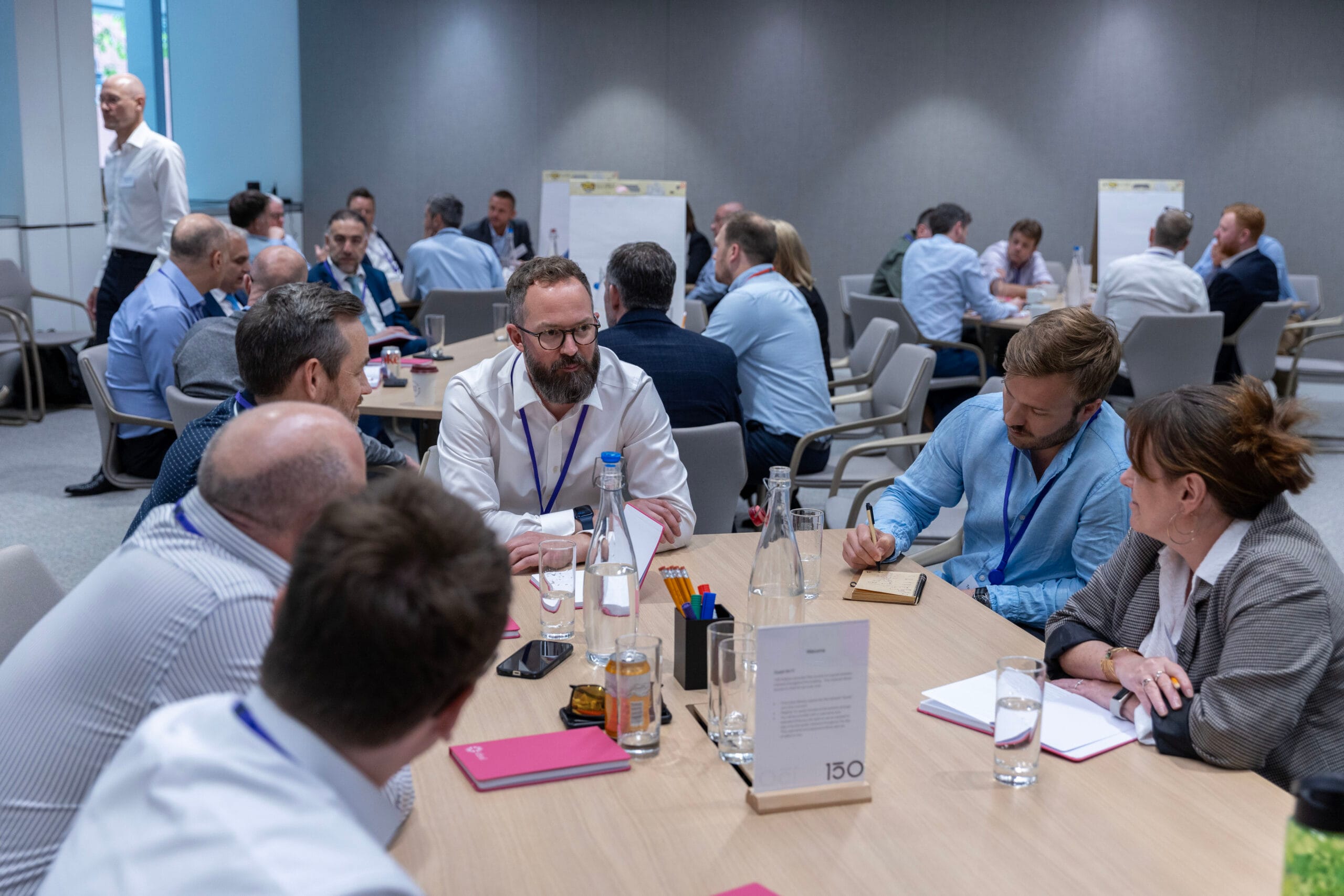
We had a brilliant day hosting some of the smartest minds from the Smart Building community at 150 Holborn last week, one of the smartest buildings in Europe.

Why do we call it a community?

On the day, we had IT, technology and construction experts, who like us, spend their lives creating the infrastructure that gives each Smart Building its phenomenal intelligence, agile operability and sustainable performance.

We welcomed end-users that want to know how to make their own spaces more intelligent. In the company of 150 building owner, Sidara, that included professionals from banking, education, electronics manufacturing, energy, entertainment, fashion, healthcare, legal, pharmaceuticals, real estate, retail and telecoms.

And job titles on the day ranged from Technical Solutions Architect and Head of Facilities to COO, CIO, CTO and ESG Director.

This broad church reflects the benefits intelligent IT network design and implementation can deliver to enhance building efficiency, improve workplace experience, and give building owners and tenants better control over costs, space usage and environment.

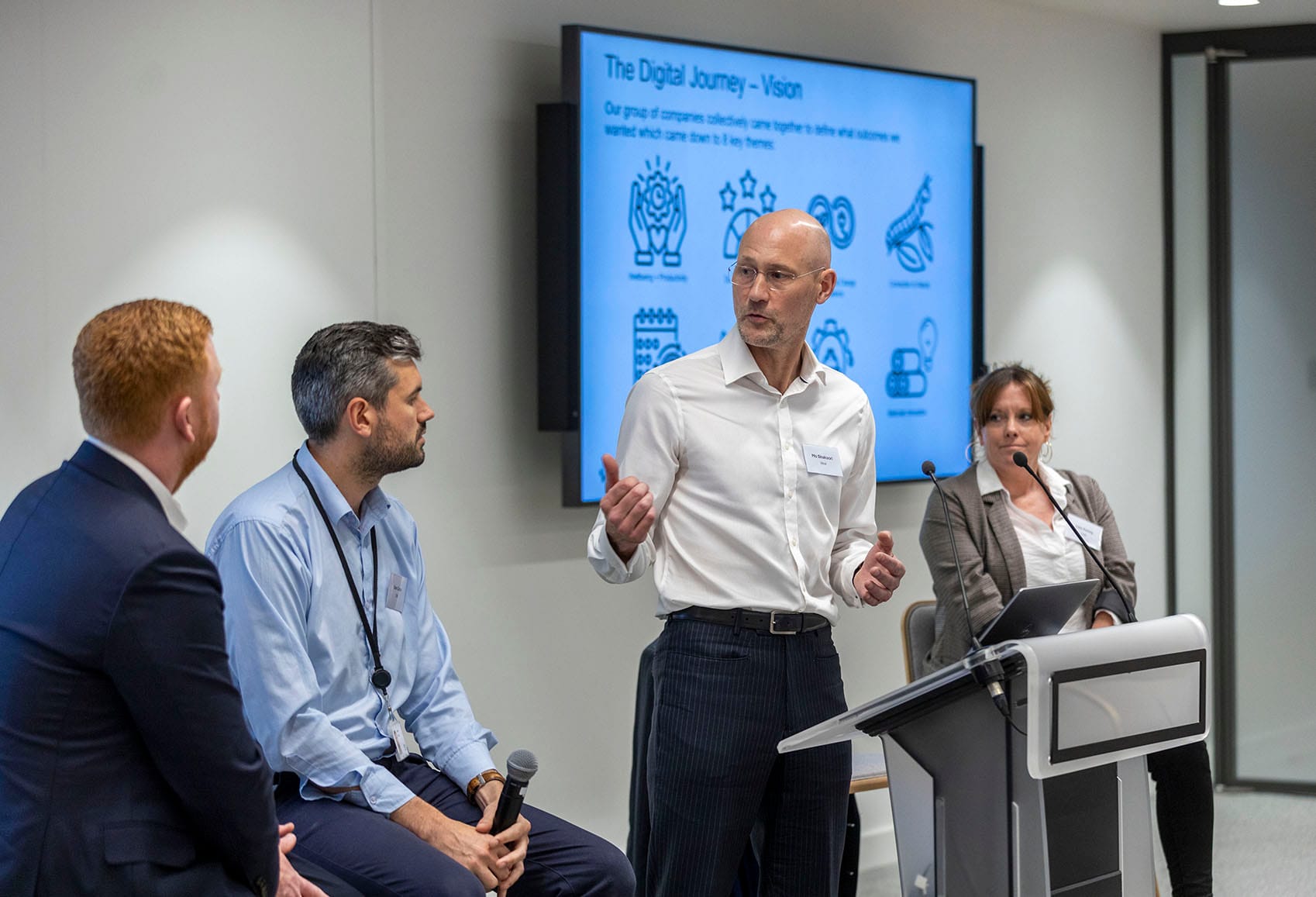
Sidara explain their vision for the building

150 Holborn is owned by, and was developed by, Sidara, a group that includes some of the world’s leading consultancies for design and engineering of the built environment. 150 was designed to bring all of its UK companies together in one place for the first time and to create a showcase of what’s possible.

Dan Cope, IT Manager at Dar UK, who runs the Smart Building infrastructure at 150, explains: “We were creating a house of brands for Sidara; the various group companies designed it together. And today, we live in it together.”

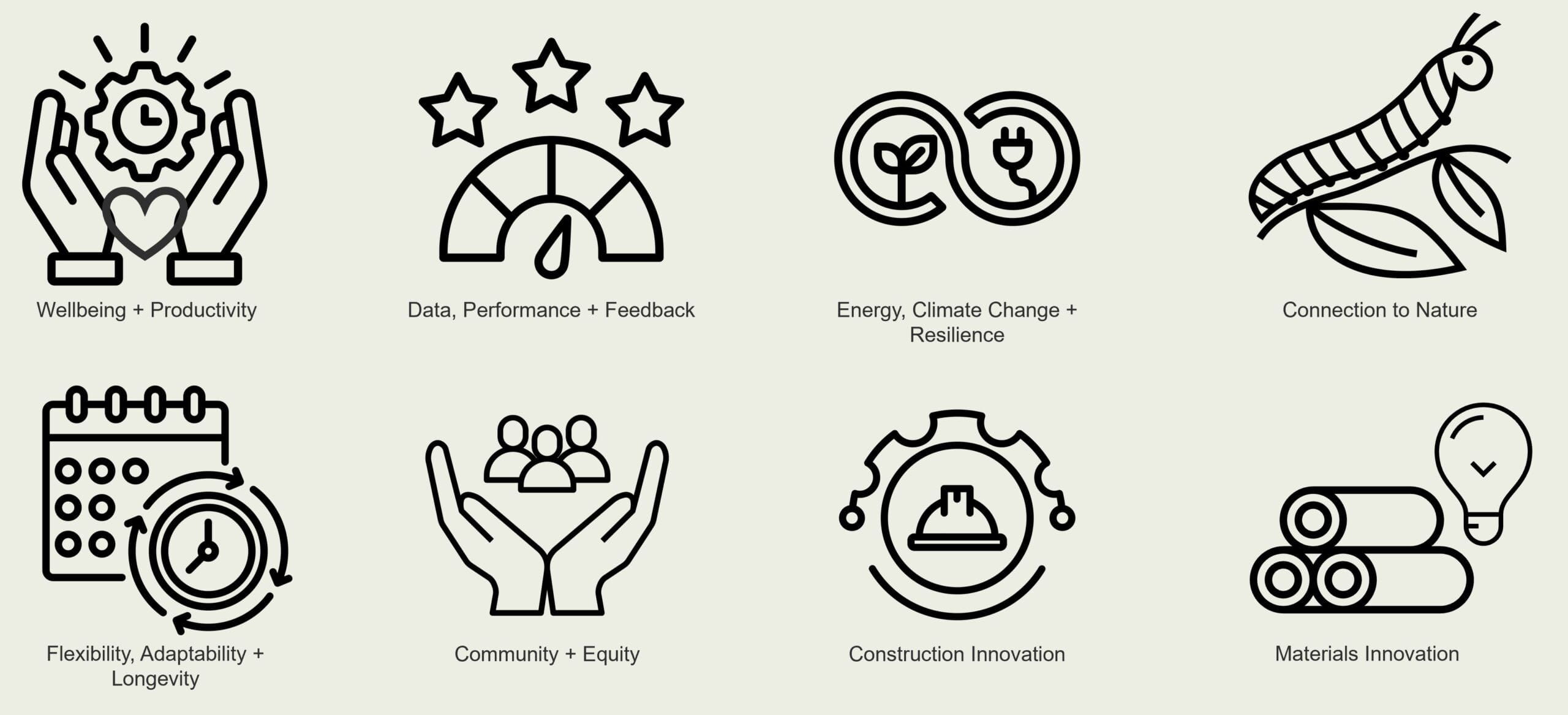
Sidara began the journey nine years ago with a clear vision to create a best-in class working environment, underpinned by the concept of a place that could allow ideas to thrive and encourage visual and physical connection between the Sidara companies occupying the finished building.

“We also had clear output goals. So, everything we did, from the architectural design to the network capability, we referenced back to how it would help us to improve aspects against our core list:

Integrating operational and occupational functionality

Moto Shakoori, Founder and CEO at Ideal, said: “We have created Converged Network Systems (CNS) and high-spec Wi-Fi for over 20 Smart Buildings, but 150 is unique.

“Because Sidara were the developer and the eventual tenant, we were able to design the Shell and Core and the Fit Out network concurrently, which enabled us to fully mesh operational functionality and occupational functionality.

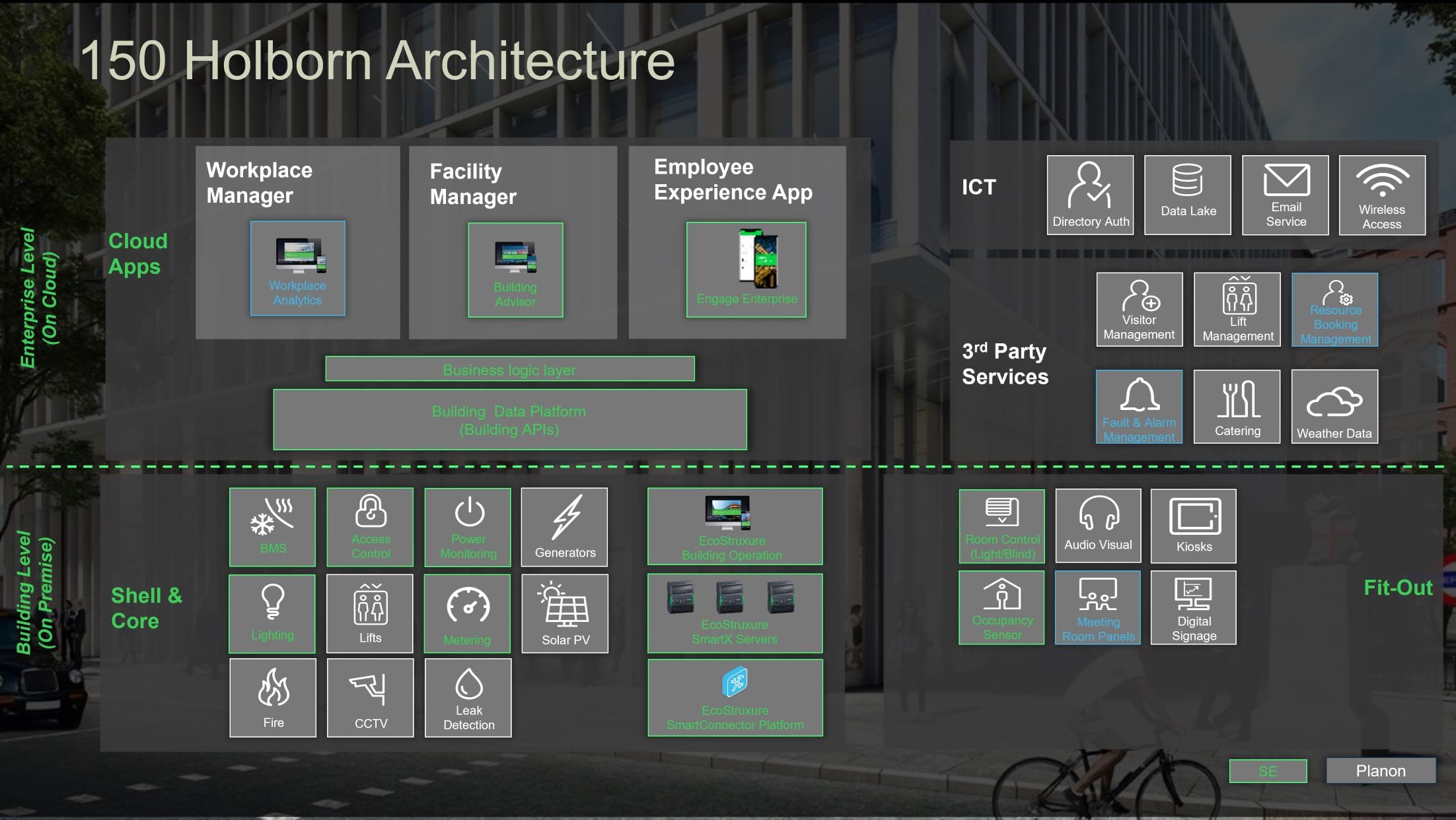
“Why does that matter? Well one example is the meeting room functionality. Each room knows how many people are in it at any time, so it manages the room climate appropriately. Based on the booking data, lights dim to signal a meeting is ending, creating a positive meeting room culture. The aircon then pumps in fresh air ready for the next meeting. That level of experience can only happen with hyper-connectivity.”

Leading edge technology behind the scenes

Andy Waters, BEMS & IoT Smart Building Specialist at Schneider Electric (SE), who provided much of the core building management technology, explained that SE developed some specific technology based on Sidara’s vision.

“One example is that we made an independent data layer that collects information from all the separate systems. This allows new systems, digital services and applications to be added without affecting existing services or requiring complicated collaborations. We had never done that before. Now that’s best-practice.”

Creating a Living Lab

Lisa Kenny, Head of Client Experience at Dar UK, London, explains that the resulting building is what they call a ‘Living Lab’. “We now have a building that provides clear data. That enables us to learn as we go along and to make informed decisions at all times.”

Moto Shakoori shared a real example of how this Living Lab is already delivering: “Intelligent IP blinds were originally planned to automatically close on sunny days to keep the building cool; these were then value engineered out at the construction stage to save costs.

“Now we have 18 months of data, we can see that aircon on the south-facing side demands around 35% more energy than the rest of the building. Now we can make a decision about retrofitting the blinds based on commercial as well as ecological sense.”

Workshop identifies key issues

Lively workshops at 150 identified a range of issues that are front of mind in Smart Buildings today.

These roughly fell into 3 categories:

1. Why?

As with any new technological possibility it’s easy to get swept up with all the shiny new products and services on offer. One delegate described it as “like being a kiddy in a sweetshop.” But are you actually going to use this new functionality? Will your Facilities Management staff have the skills needed to run the systems? Will IT be able to interrogate the data? Will there be an appetite to drive change based on what the data tells us?

The group concluded that drilling into why you’re applying Smart technology and what you really want to achieve, like Sidara did so successfully, is a key to practical real-world success.

2. Scope and timescales

A typical building development could take many years. Obviously, over that time, technology can deliver things that were never even thought about at inception. But developers and contractors are reluctant to move away from the initial scope and the effort and cost involved in driving changes through the process can feel prohibitive.

There is often friction between construction firms focused on practical completion against tight timescales, and network and IP partners who might want to re-spec in order to deliver the best possible solution.

What Sidara’s journey to Smart shows us is how close collaboration and open, positive relationships between partners can be key to making a better outcome.

3. The user experience and business case

Attendees came from the private and public sector and found that user experience and expectations were vastly different.

One delegate from the Higher Education sector, described how he knew that Smart technology could inspire students across his campus. After all, who would appreciate Open Roaming Wi-Fi or app-enabled location data more than young people? But getting senior management to invest was the real challenge.

The private sector perspective was almost the opposite. There is huge appetite for Smart; but there’s a chicken and egg situation to create a business case or calculate the ROI. You need data to substantiate the commercial viability. But you haven’t got the data without the ‘smarts’.

What everyone agreed is that workshops like this, where experts and users get together, helps enormously. As a specifier, you realise that no-one has all the answers, which is comforting. As a user you get a better vison of what is possible. And as a technology company, you get to understand what customers priorities really are.

The rooftop plays a starring role

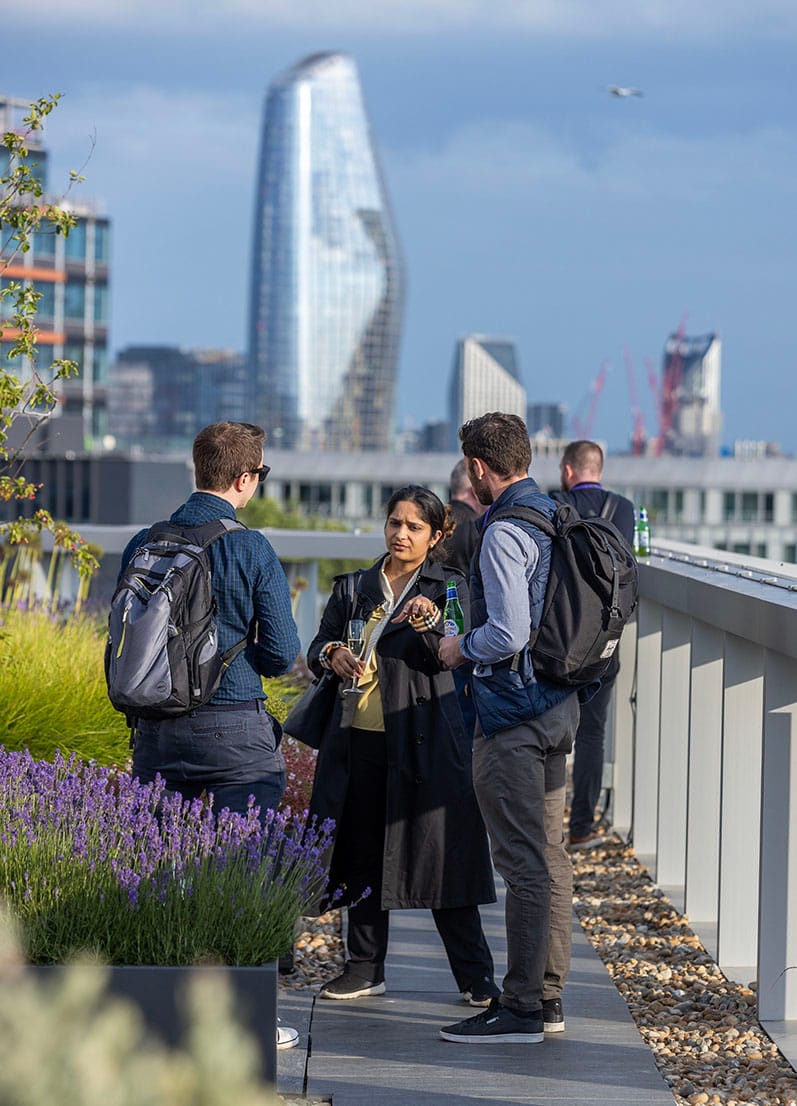
The day ended with the chance for everyone to get together on the beautiful rooftop Pavilion, surrounded by gorgeous plants and thriving nature, in the heart of London.

It was an appropriate place to end a fruitful day. Sidara deliberately sunk all of the building services out of sight, so that the rooftop could be used in this way. The vision for 150 was collaboration; the lively hubbub here certainly attested to the success in this space. And the indigenous flora and fauna is a testament to the sustainable credentials of the building.

Moto Shakoori, Founder and CEO at Ideal, summed up the event: “It was a fantastic day. The flurry of ideas in the workshop illustrated what a dynamic field we work in. The networking on the roof sparked so many diverse conversations my head is still buzzing. We’re at the very forefront of something exciting here and it’s great that so many people have given up their time to share their experiences.”

What role did Ideal play?

Ideal was appointed early on. That meant that we were able to work with Sidara’s own experts to influence the design on the Converged Network System (CNS), before implementing the Shell & Core implementation and the Fit-Out.

To ensure a Smart Building delivers to the maximum effect, it’s important to connect as many services as possible via the CNS. At 150 that included:

  • Wi-Fi
  • Audio visual and meeting room management
  • Mobile regeneration
  • BMS (building management systems)
  • HVAC (heating, ventilation, and air conditioning)
  • Access control
  • CCTV
  • Energy Management Systems

The CNS is predominantly based on Cisco technology, including Cyber Security, Switches, WLCs, WAPs, Servers, ISE and WAN aggregation.

  • Each Sidara company has their own network, their own Firewalls, that uses the CNS for internet The CNS’ Wi-Fi broadcasts for each
  • Sidara company, into their network, using their authentication
  • Each company accesses common printers

Ideal commissioned Schneider Electric (SE) onto the CNS, ensuring the secure inter-operability of their Smart EcoStruxure architecture.

We also integrated meeting room Audio Visual devices via Pro-AV and introduced Planon’s Integrated Workplace Management, which controls booking meeting rooms, climate, and FM ticketing.

Finally, we’re using the Smart Managed CNS Premium technology we installed to run collaborative Managed Services. That provides endpoint monitoring to proactively manage potential issues and intelligent service ticketing that routes to the most appropriate experts in Ideal and to other support partners.

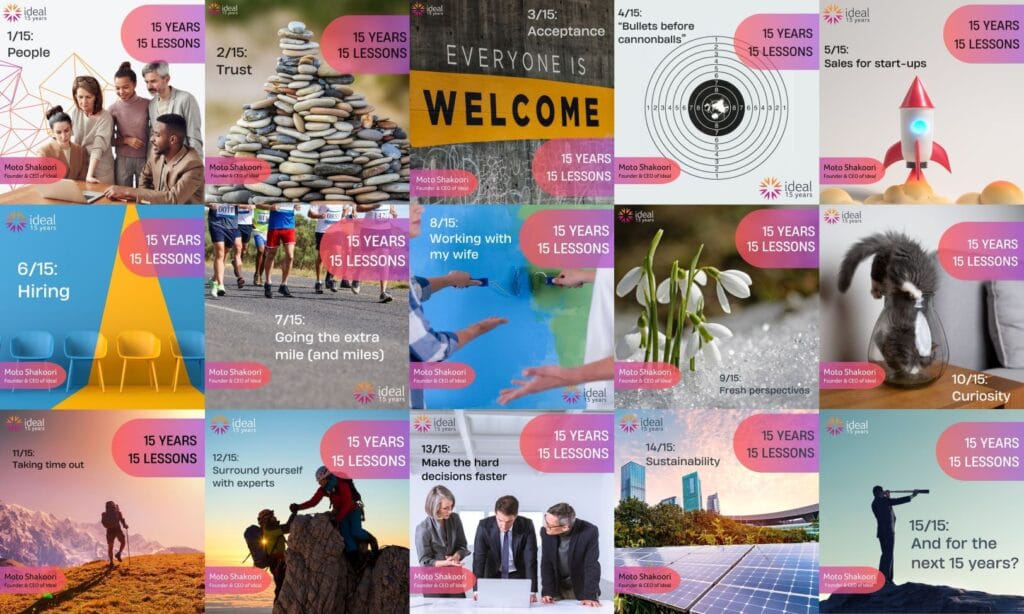
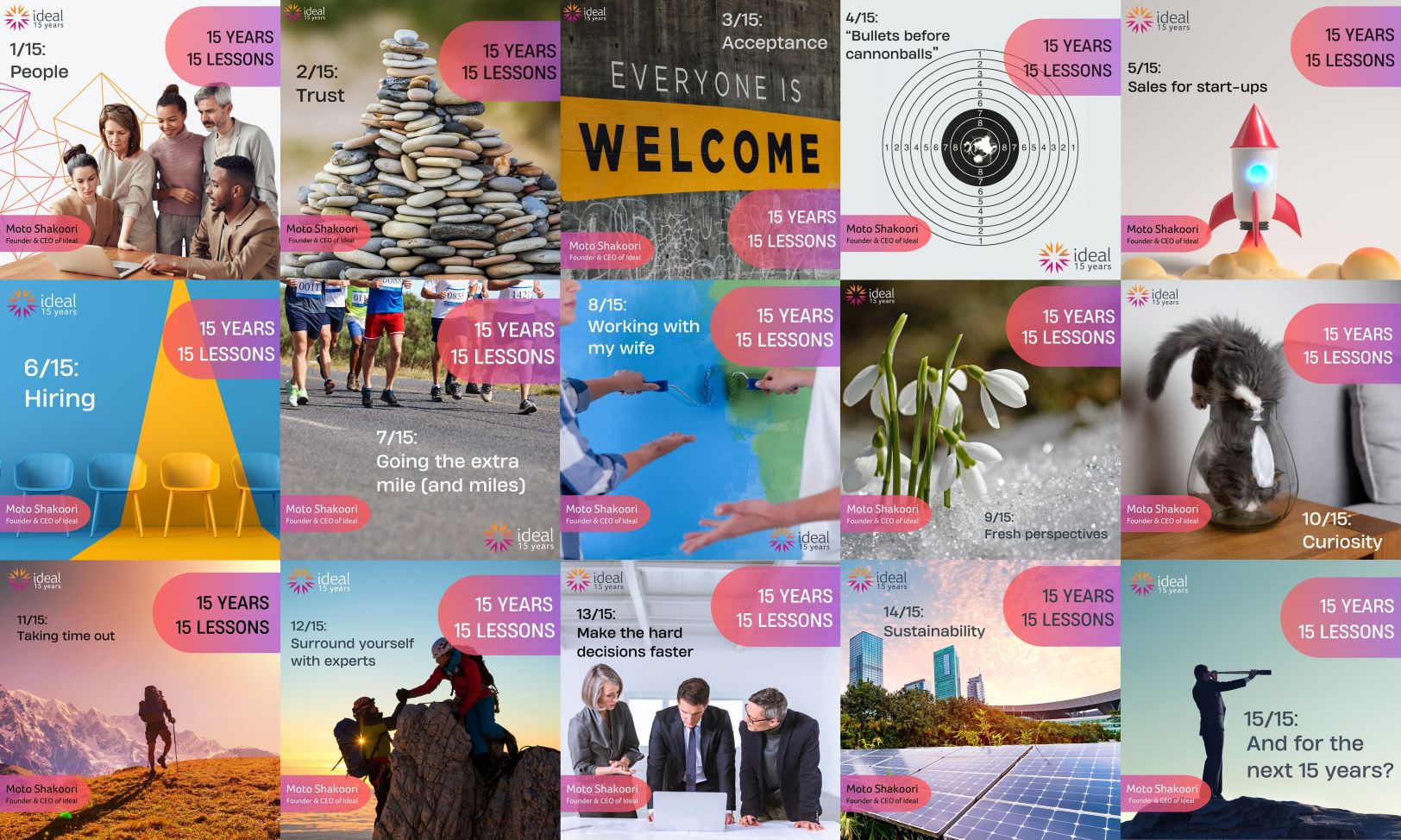
15 Years, 15 Lessons

It’s 15 years since Moto Shakoori, Founder and CEO, set-up Ideal. From where he began renting a desk to helping to deliver some of the smartest buildings in Europe today, these are the 15 lessons he says he has learnt over those 15 years.


Lesson 1/15: People

Over the 15 years, I’ve grown to really appreciate the power that good people bring. Not just skills and experience. Positivity. Enthusiasm. Drive. Today I think of business as a battle; you want to look around and think yes, these are the people I can rely on when things get tough. We’ve got 57 people today and I can confidently say they’re all right there with me.

Lesson 2/15: Trust

When I look back at the Twickenham contract, which shaped who Ideal is today, I now know we were seconds away from losing that opportunity. We’d made it to the final tender interview, and were as prepared as we could be, practising over and over. What we hadn’t factored in was waking up to storms and flash flooding. Motorway closures meant we had to take slow country roads. It was a race to get to the customer on time and we only made it with seconds to spare, running into the reception, trying to not look flustered. The client later confirmed that had we been late, he would have awarded the contract to a better known, bigger competitor. He said he would’ve felt that we had let him down, even though the circumstances were out of our control. It was all about trust. And it still is today.

Lesson 3/15: Acceptance

When I started in business, I worried that being called Moto Shakoori would confuse people and maybe create a barrier. So I became Mo Merrick. (Yes, that guy is me!) It was only about two years ago that I got rid of that pseudonym and reverted to my real name, Moto Shakoori. I’m not sure if that reflects a growing acceptance of myself or a more accepting world, but either way I’m just relieved to be me.

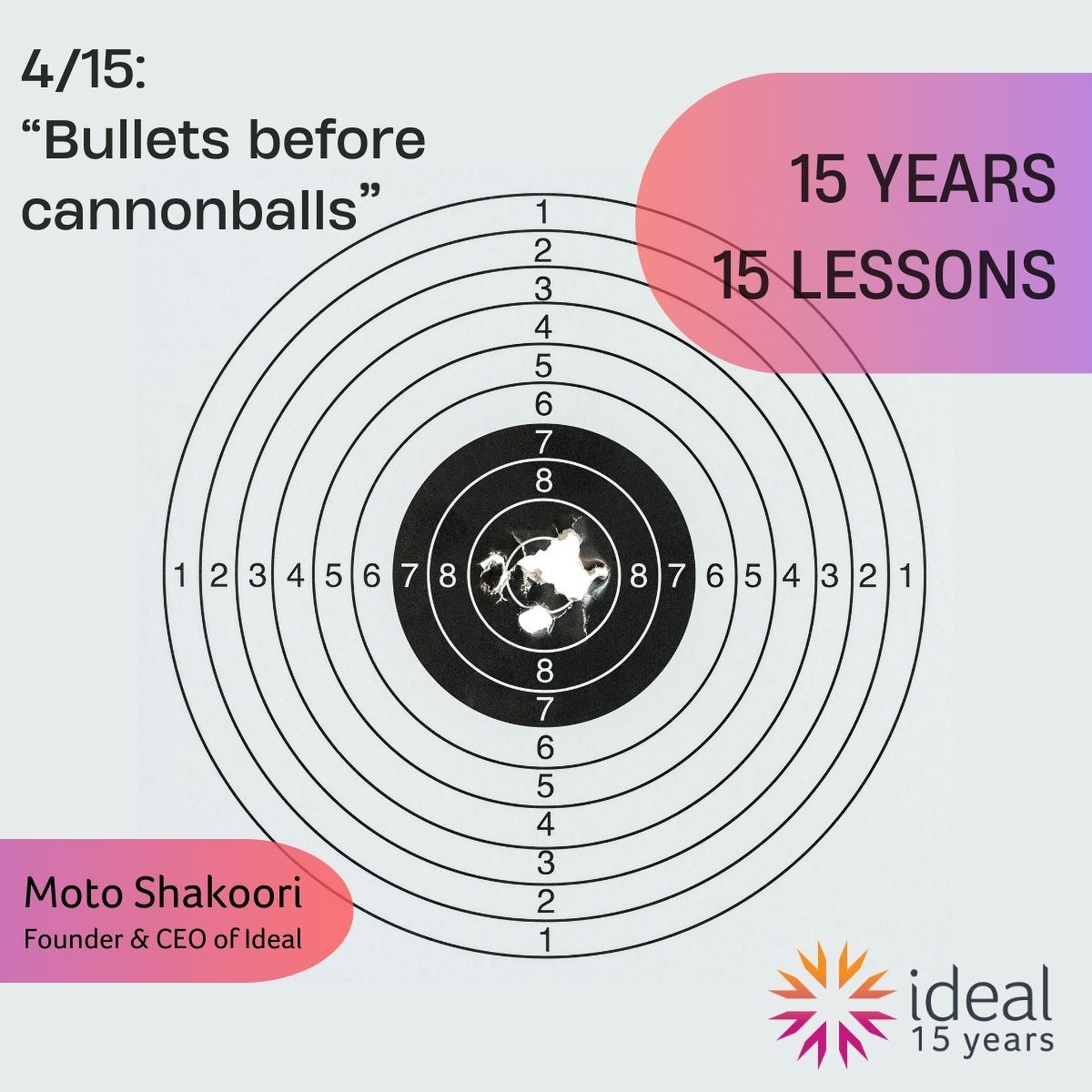
Lesson 4/15: Bullets before cannonballs

There’s a business book by Jim Collins called ‘Great by Choice’. In it, he says: “…fire bullets, then cannonballs.” We learnt that the hard way by making some wrong decisions that cost us a lot of time and money. For example, why did we take two vast floors of a new office development in Brighton ‘to grow into’? We could have kept our egos in check, taken one floor and saved ourselves a fortune. Today we favour innovating on three, four or even five targeted fronts (bullets) and ride the ones that show real potential. It’s less risky, more agile and ultimately more rewarding.

Lesson 5/15: Sales for start-ups

Sales for start-ups. I’m a sales person through and through. When I started, back in 2009, there was a very competent two-person company who started a similar business at almost the same time. They had far more technical capability than me. I had the sales passion to find new business. After two years, they ended up coming to work with us here at Ideal. When companies get established, it’s fine for the finance, engineering or production people to run the business. When you’re in start-up mode, sales is king.

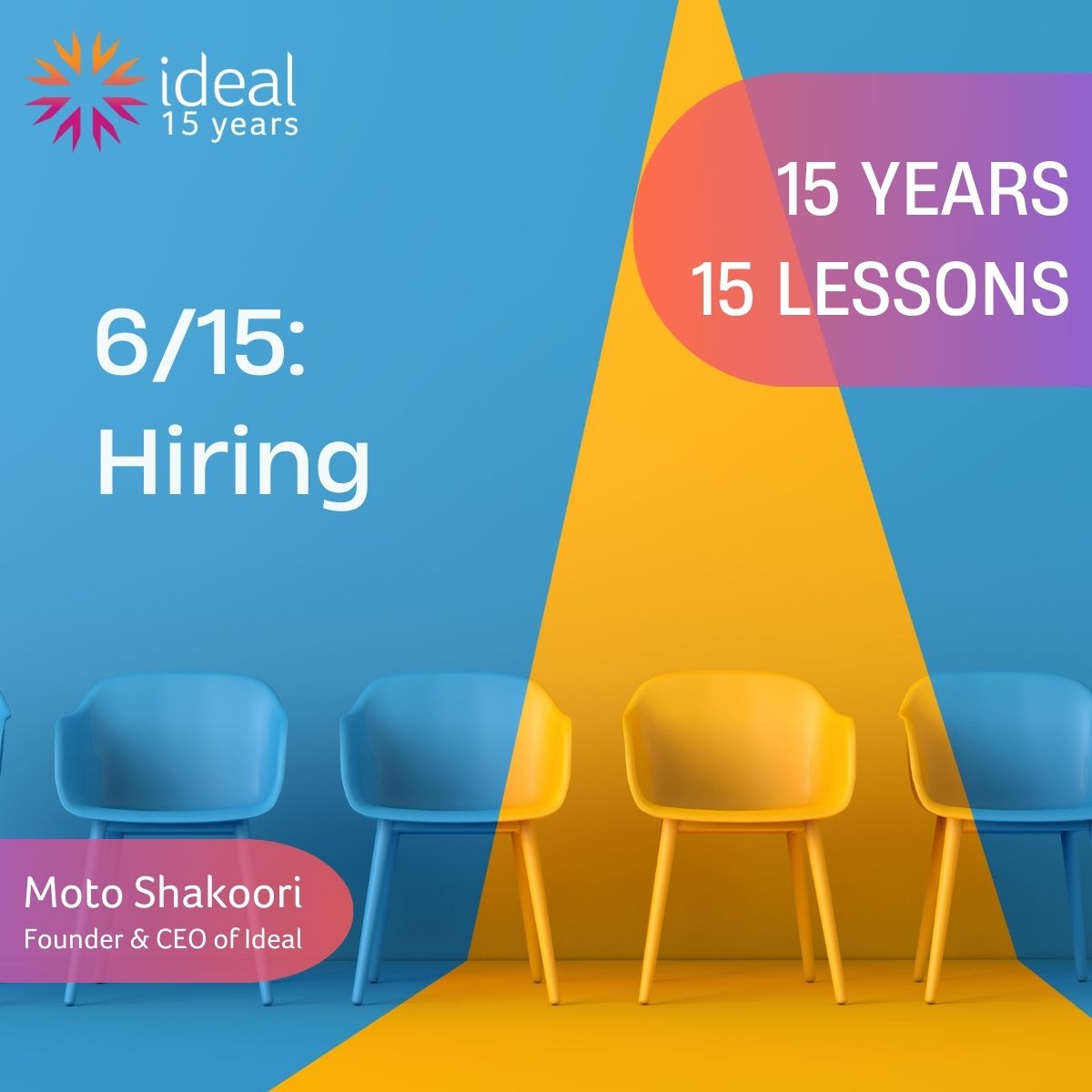
Lesson 6/15:  Hiring

If it’s a yes, it’s a yes; if it’s a maybe, it’s a no. Sometimes we shoehorn people into a position because we see the good in them and we’re under pressure to fill a gap and get things done. ‘Shoehorn’ is the key word here. Uncomfortable shoes rarely become your go-to footwear. Best to walk away and look elsewhere.

Lesson 7/15: Going the extra mile (and miles)

In the early days I was trying to win a well-known retail client when they casually mentioned they had some aging tech they needed to get rid of. Even though it meant putting all my personal savings on the line, I offered to buy it, as it had value. The problem was it was distributed in large stores all around the UK. “No problem”, I say, “we’ll pick it up.” Which we did, using a friend with a van on an epic road trip. They were so impressed with our can-do attitude, they asked us what else we could for them. We were soon helping them to implement a whole range of technical solutions and they’re still an important client today.

Lesson 8/15: Working with my wife

About eighteen months in, I was struggling to manage the business and also keep up with sales demand, so Claire, my wife, agreed to come in as MD. (Did I ask, or did she offer? We can’t remember.) Claire had no technology experience, but she’s smart, a quick learner, and unbelievably capable. It was a brilliant decision for the business, which grew 100%, year on year, for the next five years. However, it was a challenge for us as a couple, and we no longer run the business together. Looking back, would we do it again? No chance! But thankfully we’re still happily married, and the business is thriving.

Lesson 9/15: Fresh perspectives

As MD, Claire was attending lots of tech events in the UK and abroad. Wow what an eye-opener! Having been part of the industry for 25 years I had been naïve to the overt sexism and blokey tone we all quietly accepted. I think things have shifted over the last decade or more, but it taught me some valuable lessons. Take time to look at things from other people’s perspectives, be that customers, employees, friends or relatives. Stand-up for what’s right. If it’s not OK, call it out.

Lesson 10/15: Curiosity

When someone buys a drill it’s not because they want a shiny new tool. It’s because they need to make a hole. Why? What’s the hole for? Where will it be? Wherever you work, asking more questions is generally a good idea. Unless you understand the real problem, you can’t provide a comprehensive solution. It’s something we instil with everyone at Ideal today.

Lesson 11/15: Taking time out

The rapid growth in the business coupled with work taking over family life eventually took its toll. My wife Claire and I both felt we needed some time away from the business, so we decided to appoint a management team that would allow us to step back. It was really valuable for me. Life slowed down. I spent as much time as I could in the great outdoors. And I took on projects using my hands, developing skills that I always wanted to learn, such as carpentry and construction. Eventually though, I found that life just wasn’t fulfilling enough for me. I missed working with our team and our customers at Ideal. I needed that purpose. Now I’m loving being back at the helm, but I leave work in the office. Work-life-balance lesson learned.

Lesson 12/15: Surround yourself with experts

Steven Bartlett, famous for his ‘Diary of a CEO’ podcast, said: “Having access to people smarter than you is a blessing rather than a threat.” I’ve been a big believer in that from the start. I look back to the early days and recall the pride I felt at delivering a telephony and core networking solution across all of IKEA’s UK & Ireland stores; a smooth deployment only made possible by assembling a fantastic team of people. That’s where I cemented the lesson: always look for amazing people who are going to make a difference to your business.

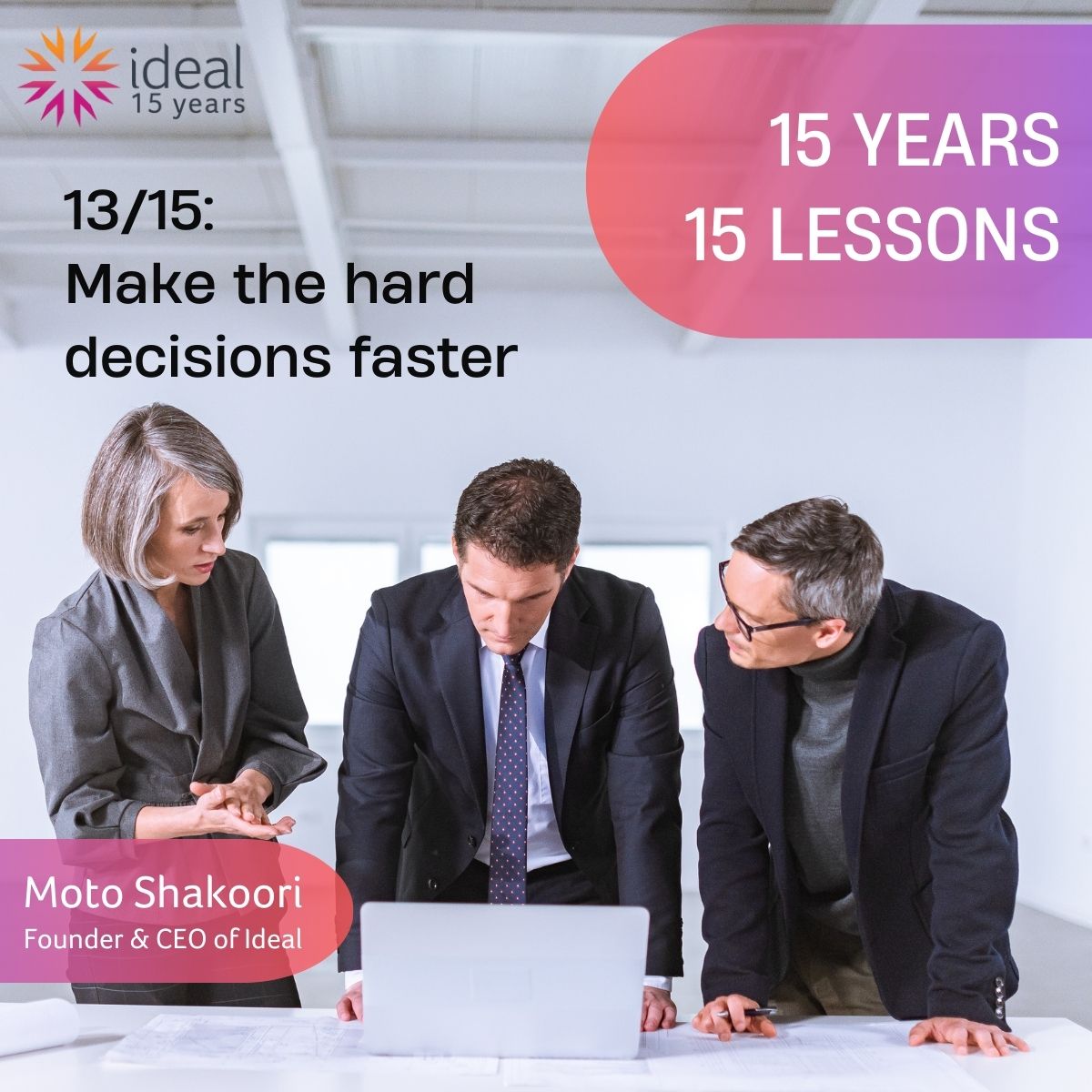
Lesson 13/15: Make the hard decisions faster

We all know that any big decision you make could affect people, relationships, harmony, culture, bottom line – and sometimes that causes you to naturally delay a decision. At the start, I would ruminate on these things, and it would take my mind off the ball, whilst potentially creating uncertainty in the business. I’ve learnt that holding off doesn’t help the company, yourself, or anyone who might be affected. It’s the right thing to make hard decisions early.

Lesson 14/15: Sustainability

Sustainability comes into virtually every discussion we have with customers today as part of their smart building conversation. Organisations want to reduce their carbon footprint, energy consumption and costs. One piece of advice I’d give to anyone is that the ‘smarts’ need to be factored in at building design stage and constantly fought for. There’s a tendency to remove some of these features to save money, but it’s a false economy. Design for the future and don’t cut corners, otherwise your building will never be as smart as it could be. Tenants won’t be as excited to move into it. And the sustainability benefits for the building and the planet will be compromised.

Lesson 15/15: And for the next 15 years?

Middle age! Actually, for the next 15 years, my focus will be on enjoying work. I’m also going to be super careful about looking after myself – what I eat; how much I drink; how many hours I work; going to the gym. If you don’t look after yourself, you won’t be able to look after or help others. I think the basis of a good company is one where everyone looks out for each other. If you don’t have happy people, you’ll never have happy customers.